01 / Download
Download, don't just copy
Get a real file. TXT for notes and ChatGPT. SRT or VTT for subtitles in any video editor.
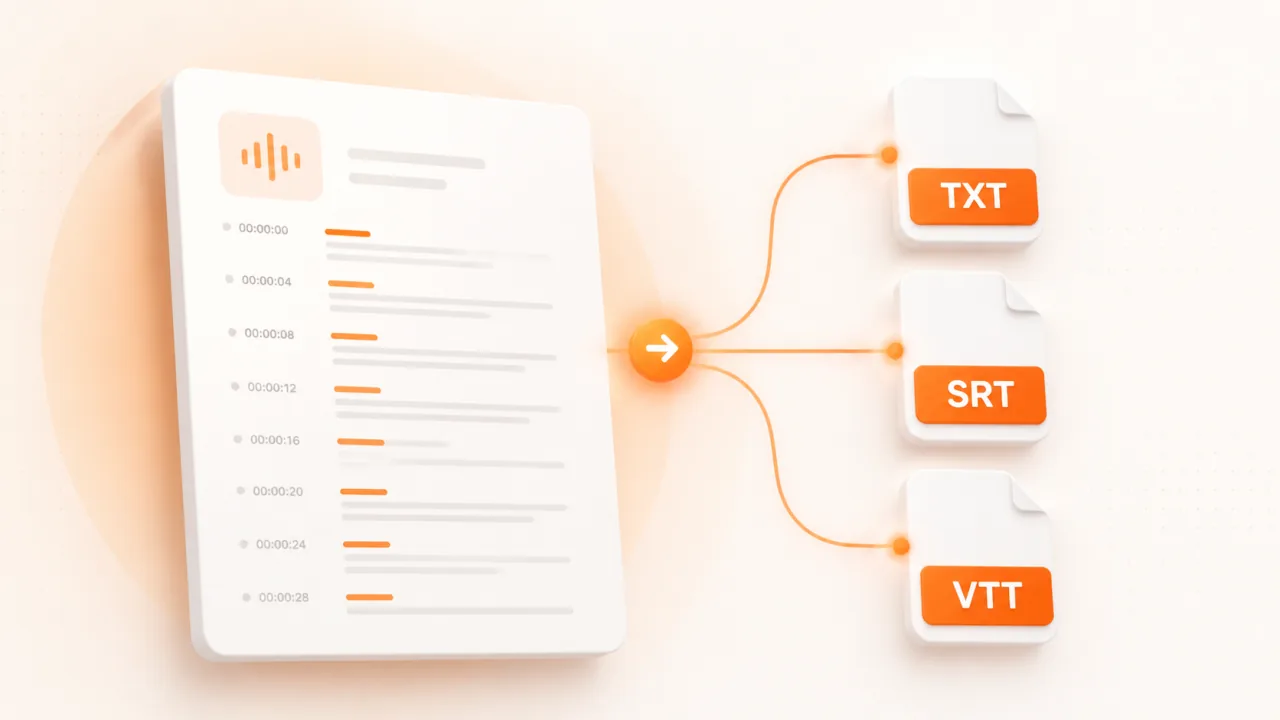
Paste a YouTube link. Get the full transcript in seconds. Copy it, or download as TXT, SRT, or VTT. Works on videos of any length.
Works with youtube.com, youtu.be, and Shorts links · 15 videos per 24 hours.
Three simple steps
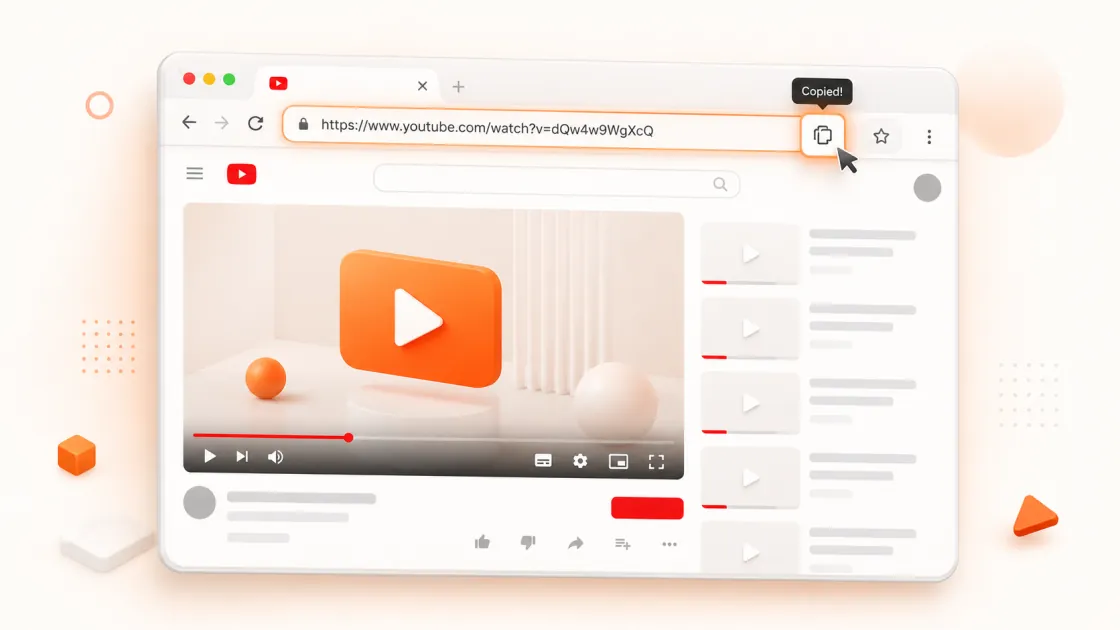
Open the video on YouTube. Copy the URL from the address bar, or tap Share → Copy link on mobile.
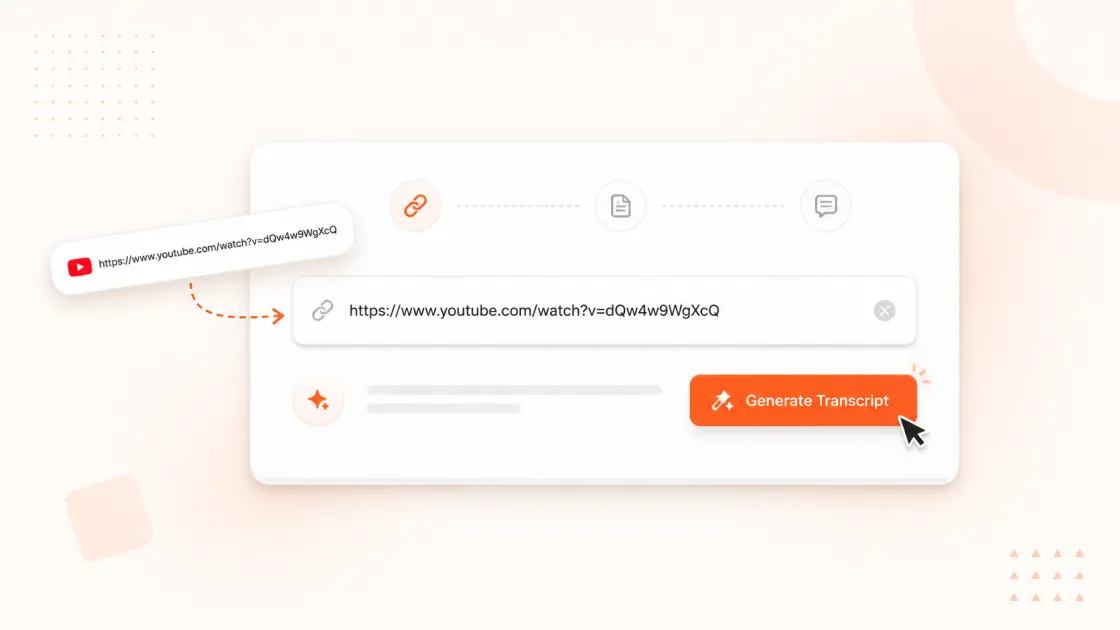
Drop the link in the box and click Get Transcript. No upload, no waiting for a file to process.
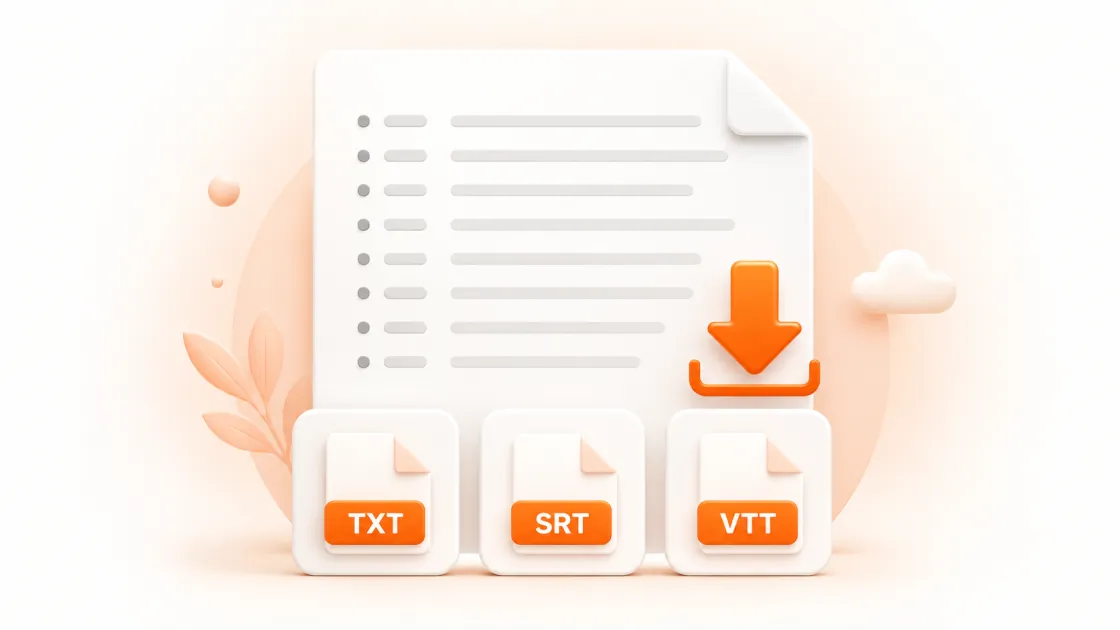
Read it on the page, copy it with one click, or download it as TXT, SRT, or VTT. Turn timestamps on or off first.
Most transcript sites make you scroll past ads, sign up, or copy text by hand. This one doesn't.
01 / Download
Get a real file. TXT for notes and ChatGPT. SRT or VTT for subtitles in any video editor.
02 / Timestamps
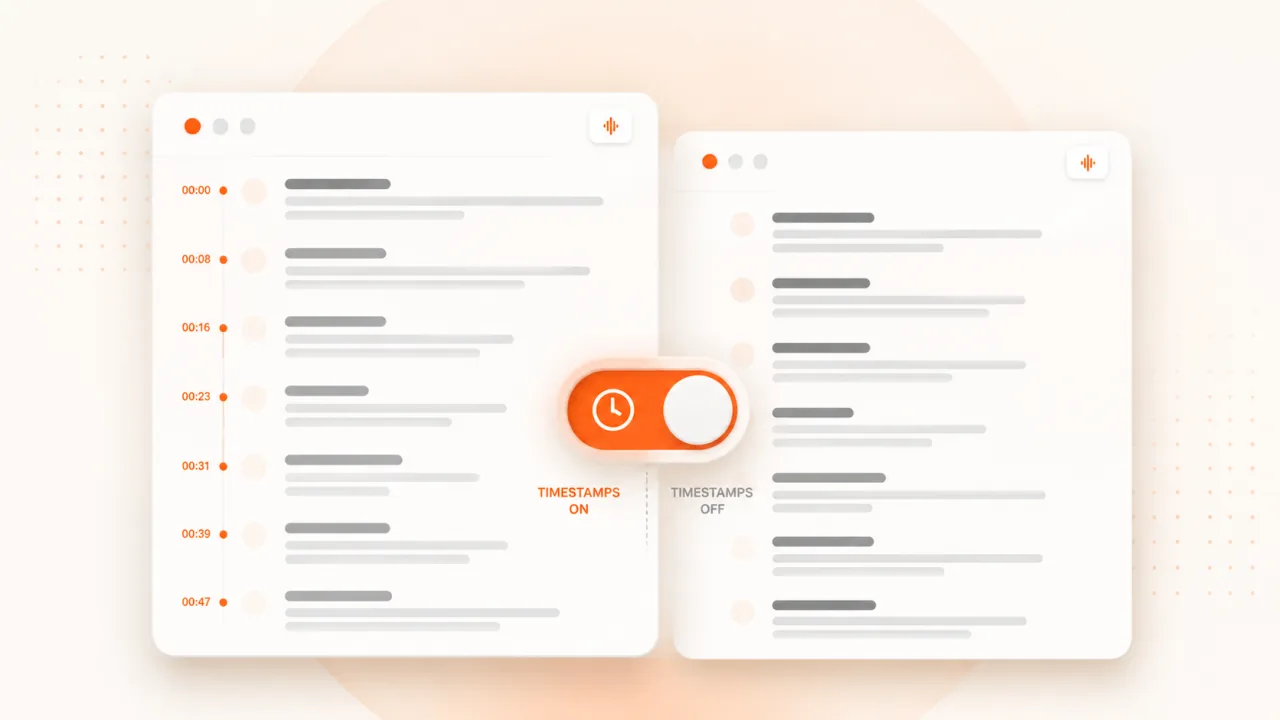
Turn them on to jump around the video. Turn them off for clean, readable text you can paste anywhere.
03 / Languages
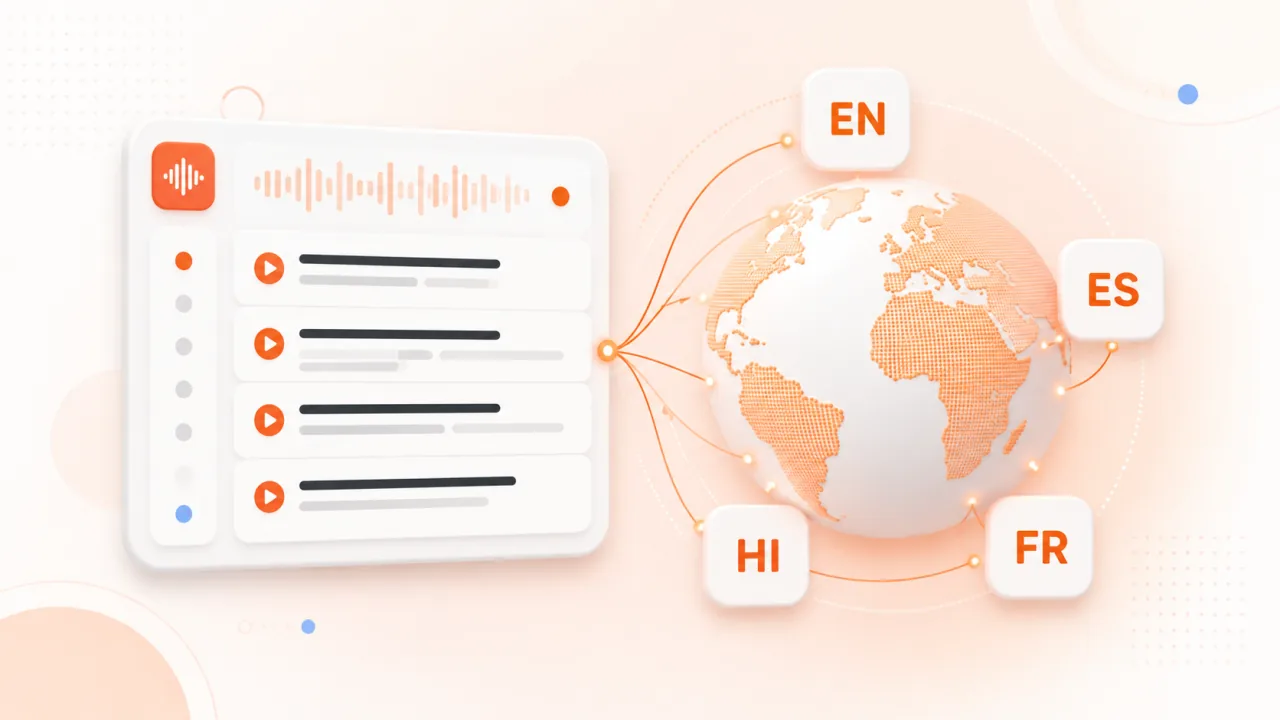
If the video has captions in more than one language, pick the one you want from the dropdown.
No video upload. Crikk pulls the text straight from YouTube, so a 3-hour podcast takes as long as a 30-second Short.
Nothing between you and the transcript. No email, no account, no "upgrade to download."
Lectures, podcasts, livestream replays. If it has captions, you get all of it.
Paste the transcript into any AI tool and ask for a summary, key points, or a quiz. A 2-hour video becomes a 2-minute read.
Search the text instead of scrubbing the video. Quote lectures word for word. Read at your own pace.
Creators: repurpose your own videos into articles, newsletters, and social posts without retyping a word.
Download the SRT and drop it into Premiere, CapCut, DaVinci, or Final Cut. Timing is already done.
Find the exact minute someone said something. Pull quotes with timestamps for citations.
Skim a 40-minute video in 4 minutes. Decide if it's worth watching before you press play.
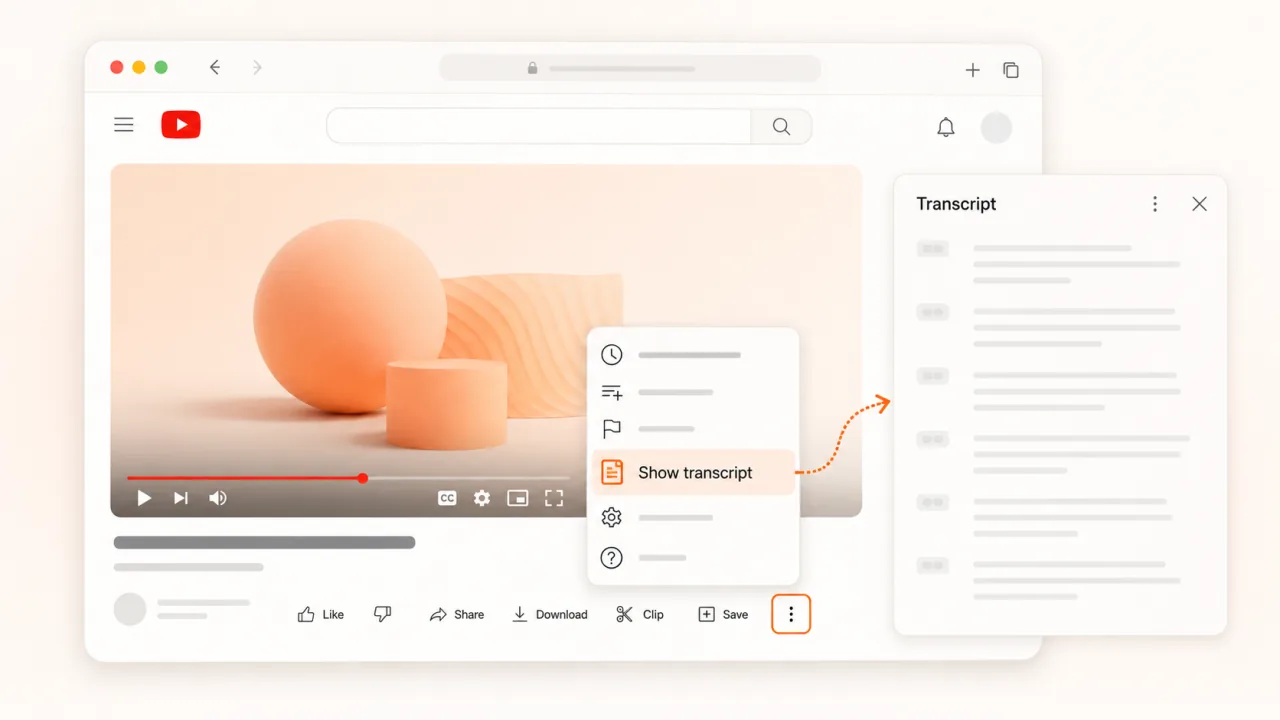
YouTube has a built-in transcript panel, but it's hidden and you can't download from it. Here's where it is:
That works, but it's slow, keeps the timestamps stuck to every line, and gives you no file. and get a clean TXT or SRT in one click.
No catch
Crikk's YouTube transcript generator is free. No account, no watermark on your files, and no ads cluttering the page. The fair-use allowance is 15 different videos per rolling 24-hour window. Paste, get transcript, done.
Yes. No signup or credit card. The fair-use allowance is 15 different videos per rolling 24-hour window.
Copy the video link, paste it in the box above, and click Get Transcript. The text appears in seconds. Copy it or download it as TXT, SRT, or VTT.
Yes. Choose TXT for plain text, or SRT / VTT if you need subtitles with timing for a video editor.
The tool uses the captions YouTube already has for the video. If the uploader turned captions off, or the video is too new for YouTube to have auto-captioned it yet, there's nothing to pull. Most videos get auto-captions within a few hours of upload.
As accurate as YouTube's captions. Uploaded captions are usually word-perfect. Auto-generated ones are good for clear speech but can slip on names, accents, and background noise.
No. A 5-hour lecture works the same as a 15-second Short.
If the video has captions in more than one language, pick the one you want from the Transcript language dropdown.
Yes. Paste the Shorts link the same way.
Unlisted videos work if you have the link. Private videos don't, because YouTube blocks access to them.
Yes. Download the TXT (timestamps off) and paste it into ChatGPT, Claude, or any AI tool for a summary, notes, or a quiz.
Transcripts are cached temporarily in server memory for up to one hour to reduce repeat requests. They are not permanently saved.
No. Crikk is an independent tool and is not associated with YouTube or Google.